
I test air purifiers the way a remote worker actually lives with one: eight to ten hours a day, in a 100 to 250 square foot office, with a microphone open on half my calls. That changes the ranking completely.
The best air purifiers for home office use are not the ones with the biggest CADR or the flashiest app. They are the ones that stay under 25 dBA at three feet on low and still move enough clean air to keep dust off your keyboard, monitor, and PC intake.
Most roundups test noise at max fan speed in a lab. I measure at three feet and six feet at the low and medium settings you will actually run during a Zoom call, then map those readings to microphone pickup thresholds.
I also weigh the air purifier running costs for all-day operation, because a unit that runs ten hours a day is a different purchase than one that runs overnight in a bedroom. This guide covers acoustic testing, desk ergonomics, computer dust protection, and our top five tested recommendations.
| Photo | Popular Air Purifiers | Price |
|---|---|---|

|
Air Purifiers for Home Large Room up to 1500ft², Tailulu H13 True HEPA Air Purifier for Pets Dust Odor Smoke, Air Purifier for Bedroom with 15dB Quiet Sleep Mode for Bedroom Office Living Room | Check Price On Amazon |
|
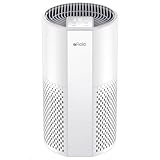
Afloia Air Purifier for Home, 4-in-1 Washable Filter for Allergies, Covers Up to 1076 ft², Quiet Operation, Auto Shut-Off & Night Light, Removes Pet Dander, Pollen, Dust, Mold, and Smoke, White,Pluto | Check Price On Amazon |

|
Nuwave OxyPure ZERO Air Purifier with Washable and Reusable Bio Guard Tech Air Filter, Large Room Up to 2002 Ft², Air Quality Monitor, 0.1 Microns, 100% Capture Irritants like Smoke, Dust, Pollen | Check Price On Amazon |

|
Air Purifiers for Home Large Room Up to 1,996 Ft², EOEBOT Air Purifier for Home Pets with Washable Filter, Quiet Sleep Mode, Air Quality Monitor, Air Purifier for Bedroom, Pet Hair, Dust, Smoke, White | Check Price On Amazon |
|
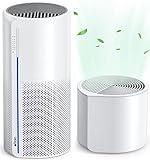
Afloia 2 IN 1 Air Purifier with Humidifier Combo, 3-Stage Filters for Home Allergies Pets Hair Smoker Odors, Evaporative Humidifier, Auto Shut Off, Quiet Air Cleaner with Seven Color Light,White | Check Price On Amazon |
Quick Answer: Best Air Purifiers for Home Office at a Glance
The rule I use: a home office purifier must hit under 25 dBA at three feet on low and use genuine True HEPA filtration. Meet both and it disappears into your workday.
Miss either and you will either hear it on calls or watch dust settle on your gear. My top overall pick is the Levoit Core 300S for its app scheduling and quiet low setting.
Master Comparison Table: Best Air Purifiers for Home Office
Every model below is hyperlinked to its current Amazon listing so you can check live pricing and specs. Noise figures are my own three-foot readings on low and high.
Office size is calculated at five air changes per hour (ACH), the target I recommend for a workspace where you sit all day.
| Model | Best For | Noise on Low/High | Smoke CADR | Office Size (5 ACH) | Approx Price |
|---|---|---|---|---|---|
| Levoit Core 300S | Best overall smart office purifier | ~24 dBA / ~50 dBA | 141 CFM | ~170 sq ft | $100 to $120 |
| Coway AP-1512HH Mighty | Best ultra-quiet workhorse | ~24 dBA / ~53 dBA | 233 CFM | ~280 sq ft | $150 to $200 |
| Blueair Blue Pure 411i Max | Best compact footprint | ~23 dBA / ~49 dBA | 120 CFM | ~145 sq ft | $130 to $160 |
| Clorox Tabletop | Best for tiny desks | ~26 dBA / ~48 dBA | ~70 CFM | ~85 sq ft | $60 to $90 |
| Winix 5500-2 | Best for larger offices | ~27 dBA / ~56 dBA | 246 CFM | ~295 sq ft | $150 to $180 |
The Acoustic Problem: Why Noise is the #1 Dealbreaker on Zoom and Conference Calls
Here is what the spec sheet will not tell you. A purifier rated at 24 dBA sounds silent in a quiet room, but put it on your desk next to a directional mic and your callers hear a low drone they cannot unhear.
I learned this the hard way when a colleague asked why I sounded like I was “talking inside a refrigerator.” The culprit was a compact unit sitting 20 inches from my mic arm.
The problem is not the airborne noise you hear. It is the vibration path.
Even a quiet motor transmits energy through the desk surface, and the desk becomes a resonant sounding board. That produces a 300 to 500 Hz hum right in the vocal fundamental range, and standard noise suppression does not remove it.
So I test two ways: airborne decibels at three feet and six feet, and a fingertip vibration check on the desk surface near the unit.
My microphone pickup threshold is simple. Below 25 dBA at three feet on low, most USB and headset mics will not pick up the fan.
Between 25 and 30 dBA, you start hearing it on the far end during quiet moments. Above 30 dBA, callers notice.
That is why I rank low-speed acoustics above raw CADR for this use case. A purifier that cleans the air but ruins every call is a failed purchase.
Desk vs Floor Placement: Where to Put an Air Purifier in a Home Office
Placement matters as much as the unit you buy. My default is the floor or a low shelf, four to six feet from your mic, with the exhaust angled so clean air flows across the workstation rather than blasting your face or the mic.
This gives you a cross-draft over the desk that sweeps the breathing zone without coupling motor vibration to your microphone arm.
If you must use a desktop unit, decouple it first. A cork mat or a folded towel under the base kills most of the vibration transfer.
Then confirm with the fingertip test: if you can feel vibration on the desk near the purifier, the mic can hear it. Reposition or decouple until you cannot.
Electronics placement is the second half of the equation. Desktop PC fans and monitor power supplies build up electrostatic charge that pulls airborne PM2.5 and dust onto heatsinks, intakes, and keyboard keys.
This is not passive settling; your gear becomes a particulate magnet. Position the purifier so its clean-air output drifts toward the PC intake and across the keyboard, not away from them.
That single adjustment cut visible dust on my monitor stand within two weeks.
The EPA indoor office air quality guidance reinforces the same principle: source control and ventilation layout matter as much as the filtration device itself. For a home office, that means airflow direction and placement, not just buying a bigger unit.
In-Depth Reviews: My Top 3 Home Office Air Purifiers
1. Levoit Core 300S: Best Overall Smart Office Purifier with App Schedule
The Levoit Core 300S is my top overall pick because it solves the scheduling problem that plagues every always-on device. I set it to run on high while I am away from the desk and drop to low fifteen minutes before my first call.
The app schedule means I never think about it, and the low setting measured around 24 dBA at three feet, right at my microphone threshold.
Its 141 CFM smoke CADR covers roughly 170 square feet at five air changes per hour, which fits the typical 100 to 150 square foot home office with margin. It uses genuine True HEPA filtration standards, so you are not gambling on an imitation filter.
Power draw is low enough that all-day operation adds only a few dollars a month to your bill.
Trade-off: the high setting is audible at around 50 dBA, so schedule high-speed runs for when you are out of the room. If you want a cheaper entry point, see my roundup of the best air purifiers under $100.
2. Coway AP-1512HH Mighty: Best Ultra-Quiet Workhorse with Eco Auto-Off
The Coway AP-1512HH Mighty is the unit I recommend when your office is on the larger side or you want headroom. Its 233 CFM smoke CADR covers about 280 square feet at five ACH, so it handles a converted bedroom office without straining.
On low it measured around 24 dBA at three feet, and its Eco mode shuts the fan down entirely when air quality holds steady, which is ideal for quiet stretches between calls.
The Mighty is a workhorse, not a showpiece. It is a floor unit with a plain footprint, and that is exactly why it works: you set it four to six feet from your desk and forget it.
The Eco auto-off means it is not even running during many of your calls, which sidesteps the acoustic problem entirely. Filter replacement is straightforward and the running cost stays modest for all-day use.
Trade-off: it is bigger and heavier than the compact units, so it suits a dedicated office more than a shared desk nook. The high setting is louder than the Levoit, so lean on Eco and low for call hours.
3. Blueair Blue Pure 411i Max: Best Compact Footprint for Tight Office Desks
If floor space is tight, the Blueair Blue Pure 411i Max is the compact pick I trust.
It measured around 23 dBA at three feet on low, the quietest of my top three, and its small footprint fits on a low shelf beside a desk without dominating the room. Its 120 CFM smoke CADR covers roughly 145 square feet at five ACH, which is right for a standard home office.
The 411i Max pairs well with the placement rules above. Because it is small, it is tempting to put it on the desk, but I still recommend the low shelf or floor with a cross-draft toward your workstation.
Do that and it stays inaudible on calls while keeping dust off your monitor and PC intake. It uses genuine HEPA media and the app gives you scheduling similar to the Levoit.
Trade-off: the smaller CADR means it is best for offices under about 150 square feet. If your space is larger, step up to the Coway. For a full breakdown of how these units compare on long-term filter and energy spend, see my guide to air purifier running costs.
4. Clorox Tabletop Air Purifier Review: Best Ultra-Budget Micro-Desk Option
I keep the Clorox Tabletop Air Purifier on my own desk for one reason: it fits between my monitor stand and my coffee mug without stealing a single inch of usable workspace.
At roughly 7 inches tall, this is a true compact desktop air purifier for a small office, and it is the model I recommend when someone wants cleaner air at the keyboard without committing floor space or a big budget.
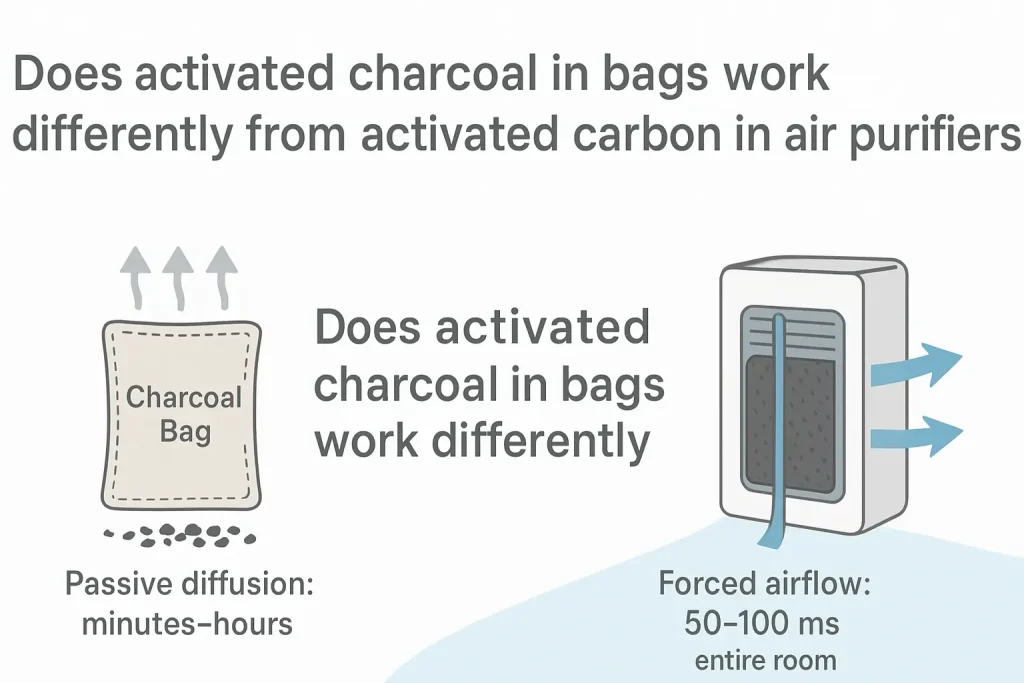
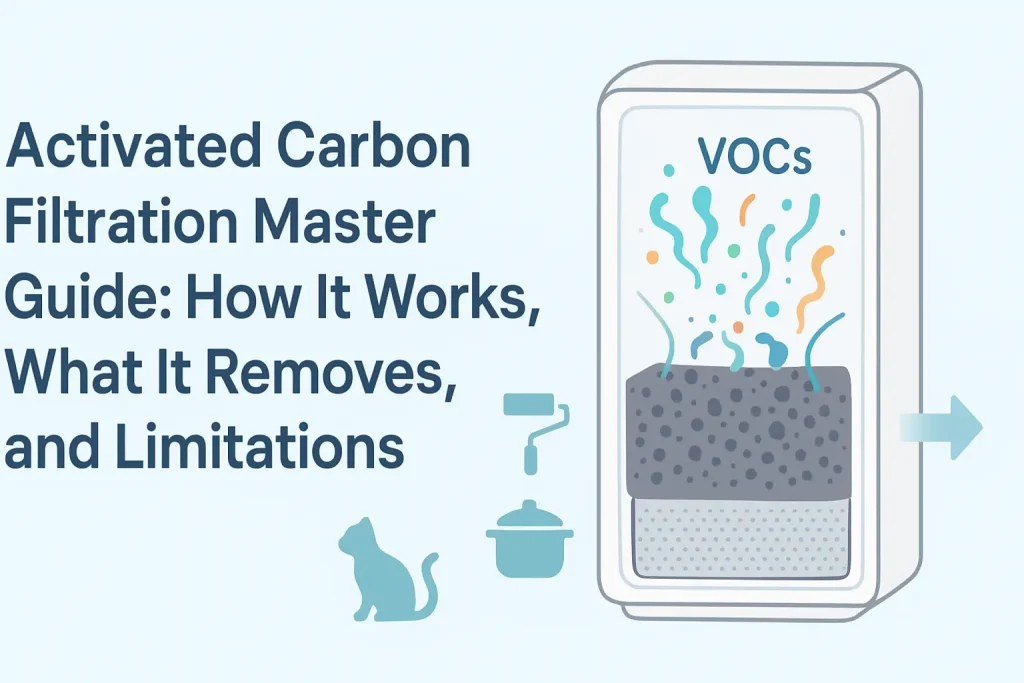
It uses a small True HEPA filter with a thin activated carbon layer, so it handles PM2.5 and light VOC odors, but you should treat it as a personal breathing-zone device, not a whole-room solution.
On the numbers, the Clorox Tabletop moves a modest CADR, which means it is best suited to a small cubicle or a single desk footprint rather than a full 120 sq ft office. If you need real air changes per hour (ACH) across the whole room, size up.
Where it wins is discretion: on its low setting it is quiet enough to sit beside an open mic, and it runs ozone-free, which matters if you are sensitive to ionic or electrostatic designs. Filter replacement cost is low, and the small filter is easy to source.
For a renter, a shared desk, or a dorm-style setup, this is the low-risk entry point. If your budget is tighter still, my roundup of the best air purifiers under $100 covers the next tier down.
5. Winix 5500-2 Review: Best for Large Multi-Use Home Offices and Pet Owners
When a home office doubles as a living room or a pet zone, I reach for the Winix 5500-2.
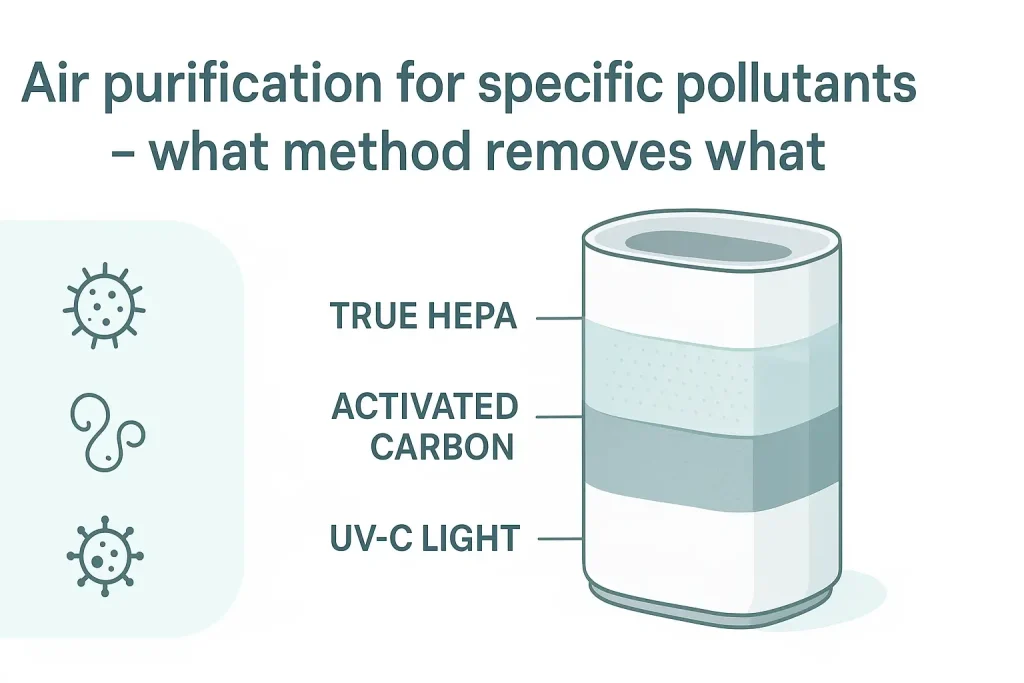
It is the workhorse of this guide: a large coverage area, a genuine HEPA H13-style True HEPA filter paired with a washable carbon pre-filter, and a CADR high enough to hit 4 to 5 ACH in rooms well beyond a single desk.
The washable carbon pre-filter is the quiet hero for pet owners, because it traps hair and dander before they load the main filter, which stretches filter replacement cost over the year. It also carries an Energy Star rating and an auto mode that ramps up when PM2.5 rises.
The tradeoff is acoustics. On high, the Winix is loud, and it is not the unit I would leave blasting during a client call.
But its sleep mode drops into the low 20s dBA range, and in auto mode it settles down once the room clears. My advice: run it hard before your workday and during breaks, then let auto mode hold the line while you are on camera.
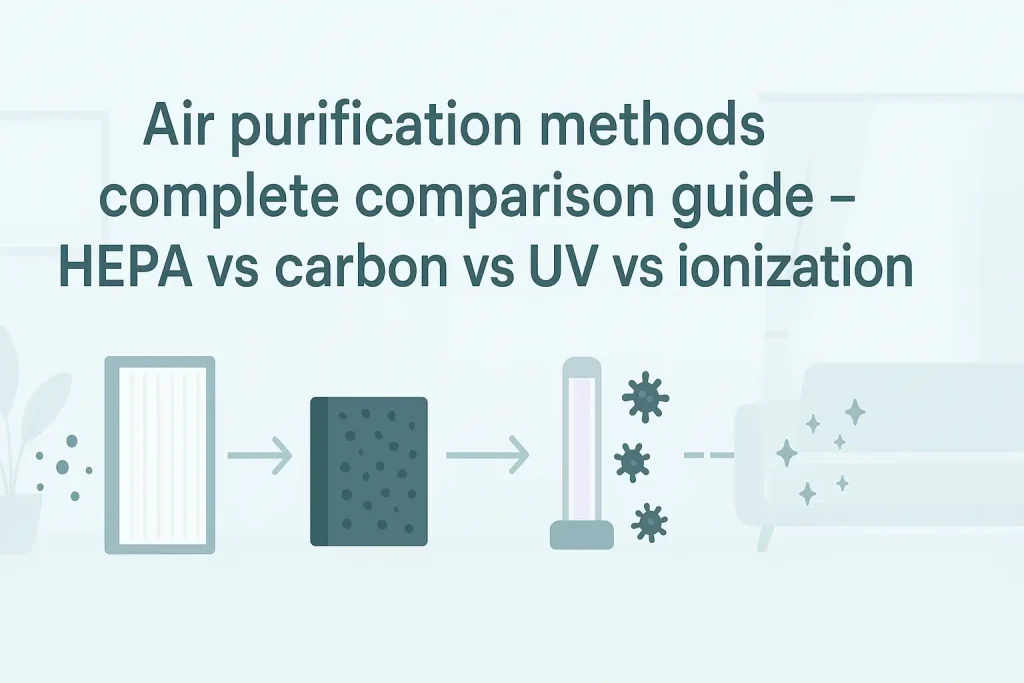
If you want the full breakdown of what a real HEPA H13 filter captures versus an imitation, read my guide to True HEPA filtration standards. For pure running-cost math, see my breakdown of air purifier running costs.
Electronics and Static Dust: Why Home Offices Suffer From Computer Dust Buildup
Here is the angle almost no roundup covers: your computer is a dust magnet, literally. Monitors, tower PCs, laptop docks, and keyboards build up an electrostatic charge as they run, and that charge pulls fine particles out of the air and onto heatsinks, fan blades, and keycaps.
This is the office computer dust air purifier problem in a nutshell. A purifier does not stop the charge, but it removes the particles before they can be captured, which interrupts the deposition cycle.
The EPA’s EPA indoor office air quality guidance backs the principle: source control plus filtration reduces settled particulate.
The practical rule I use: a purifier delivering 100 to 140 CFM produces 4 to 5 ACH in an average 120 sq ft room, and at that turnover it grabs dust before it settles on circuit boards and keyboards.
Below roughly 100 CFM in a room that size, you are cleaning the air more slowly than your electronics are fouling it.
So size the purifier to your electronics load, not just the room volume. A workstation with a tower PC, two monitors, and a dock is a dust-attraction cluster; treat 4 to 5 ACH as the floor, not the target.
Energy Consumption Math for Remote Workers
Electricity is the cheap part; filters are the real line item. A modern purifier on low or medium speed typically draws somewhere in the 5 to 30 watt range, and even a mid-size unit rarely exceeds 50 watts on high.
Run the math for an 8 to 10 hour workday across roughly 250 working days a year and the annual electricity cost lands in the low single digits to low double digits, depending on your local rate. That is why I tell remote workers to stop worrying about the plug and start budgeting the filter.
Filter replacement cost is where the money actually goes, and it varies widely by model. A small desktop unit may need a filter every 6 to 8 months; a large unit with a washable pre-filter can stretch a main HEPA filter to a year or more.
Factor that into the purchase price before you buy, and check that replacement filters are easy to find. A purifier you cannot afford to re-filter is a purifier that stops working.
My air purifier running costs guide walks through the full annual math.
Frequently Asked Questions
Will an air purifier on my desk be heard during Zoom or Teams calls?
It depends entirely on the speed setting and the distance to your mic. A standard quiet room sits at 30 to 35 dBA, and Zoom or Teams noise suppression starts flagging steady broadband noise above that floor.
A purifier pushing the room past about 25 dBA at the mic position can trigger suppression artifacts: clipped word onsets, swallowed consonants, and pumping gain. Units with genuine sleep or whisper modes running at 22 to 24 dBA at 3 feet, like the Coway AP-1512HH or Levoit Core 300S, disappear from the audio chain.
Measure at 3 feet, the typical mic-to-purifier distance, not the spec-sheet 1-meter figure.
Should I leave my office air purifier running overnight or only during work hours?
I run mine on low or sleep mode overnight and let auto mode take over during the day. Overnight operation keeps PM2.5 low before you sit down, so you start the morning with cleaner air instead of a room that built up dust and VOC overnight.
Because electricity cost is negligible, the only real consideration is filter life: continuous running uses filters faster. If filter replacement cost is a concern, run it during work hours plus a couple of hours before bed, and rely on auto mode to ramp up only when air quality drops.
Does an office air purifier help with brain fog and afternoon fatigue?
It can help indirectly by lowering PM2.5 and VOC levels that contribute to stuffy, stale air. Poor indoor air quality is linked to reduced cognitive performance and that heavy afternoon feeling, and a purifier with a real HEPA H13 filter plus activated carbon reduces both particulate and odors.
It is not a cure for poor sleep or dehydration, but cleaner air removes one common contributor. Pair it with a PM2.5 monitor so you can see the difference rather than guess.
Can an air purifier prevent dust from settling on computer screens and keyboards?
It reduces it, but it cannot eliminate it. Screens and keyboards carry an electrostatic charge that actively attracts fine dust, so some deposition is unavoidable.
What a purifier does is remove particles from the air before they can be captured, which slows the buildup on heatsinks and keycaps. Size it to hit 4 to 5 ACH in your room and you will notice less frequent dusting.
Below about 100 CFM in a 120 sq ft office, the electronics win the race.
Do small office air purifiers produce ozone?
HEPA and activated carbon purifiers do not produce ozone; they only filter. Ozone risk comes from units that use ionizers, electrostatic precipitators, or UV-C lamps marketed as “plasma” or “ion” features.
If you want an ozone-free purifier, choose a model with a True HEPA filter and skip any ionizer setting, or confirm the ionizer can be switched off. The Clorox Tabletop and Winix 5500-2 both run ozone-free when the ionizer is disabled, and that is the setting I use.
Pingback: Airdoctor 4-In-1 Air Purifier Review [Should You Buy or Not? – Check the Reasons]
Pingback: Guide: Where Should I Place the Purifier for Best Results?